A Defender for IoT Plan with a New OT Sensing Layer
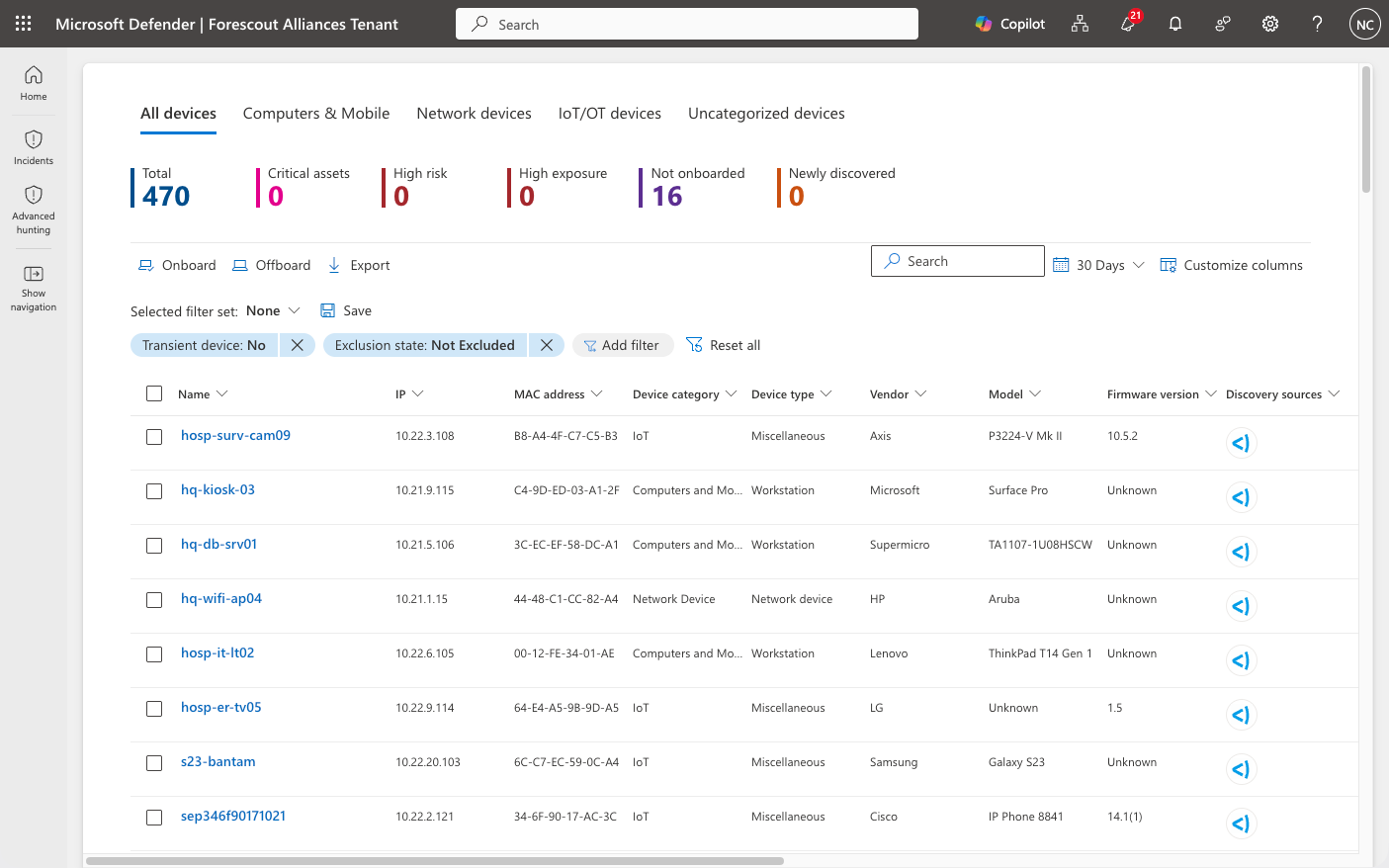
Forescout replaces the Defender for IoT sensing layer while your Microsoft ecosystem, including Sentinel, Entra, and Security Copilot – keeps working exactly as it does today.
The retirement of the on-premises console changed how Defender for IoT customers run their day-to-day operations, but moving forward doesn’t mean starting over. Forescout provides a seamless migration path, combining dedicated Migration Services with the ability to reuse Defender for IoT appliances, so you can preserve your infrastructure and move at your own pace.
Keep Your Microsoft Ecosystem and Expand Visibility and Control
Forescout replaces the sensing layer, not the Microsoft tools and workflows your teams depend on. Share deeper OT asset, risk, and threat context with Microsoft Sentinel and Microsoft Security Exposure Management, extending your existing investment with stronger industrial visibility.

“Forescout is considered a trusted advisor and the #3 technology partner after IBM and Microsoft.” – U.S. State Government agency
“Recognized in the 2026 Critical Capabilities for CPS Protection Platforms.” – Gartner
Migration on Your Terms
No forced rip-and-replace. Forescout Migration Services combine a structured, validated transition with the reuse of Defender for IoT appliances.
Side-by-side
Deploy Forescout alongside Defender for IoT and validate everything before you switch. Lowest risk.
Phased
Migrate sites and sensors in controlled groups. Ideal for distributed environments.
Cut-over
Back up and reimage your Defender for IoT appliances as Forescout sensors, then return them to service. Fastest path, maximum value from your existing hardware investment.
Whichever path you choose, Forescout Migration Services take you from assessment and appliance reimaging through supported data transfer, configuration and integration rebuilding, validation, and handover.
Why Microsoft Customers Choose Forescout
Forescout is part of Microsoft’s security partner ecosystem, not simply integrated with one product. Together, Forescout and Microsoft connect asset intelligence, risk context, and control across Sentinel, Intune, Entra, Defender, Azure, and Security Copilot, helping customers see more and act faster.
Extend the Value of Your Microsoft Investment

VistaroAI-Powered Insights and Action
Analyze real-time security data to surface priority risks, guide investigations, recommend actions, and generate clear narrative reports.
Purpose-Built OT/IoT Security
Gain in-depth, real-time asset intelligence to understand cyber and operational risk and prioritize remediation based on business impact.
Faster Threat Detection and Response
Detect known and unknown threats earlier, investigate with richer context, and accelerate containment before operations are disrupted.
Control Across IT and OT Networks
Extend beyond visibility with segmentation, secure remote access, and policy-based control across IT and OT.*
FAQ – Migration & Services
How does the migration from Defender for IoT work?
Choose the approach that fits your environment: side-by-side, phased, or cut-over. Every migration runs through four stages: planning, preparation, installation, and validation.
Can I reuse my existing Defender for IoT hardware?
Eligible appliances can be reimaged as Forescout sensors, validated model by model during scoping. You can also deploy on Forescout appliances, COTS hardware, VMs, or containers.
What transfers during migration and what doesn't?
Asset inventory and monitored-network definitions transfer. Configurations, users, and integrations are rebuilt; risk and communication context is re-established through live observation.
What does the Defender for IoT Migration Services include?
Assessment and scoping, appliance reimaging, data transfer, rebuilding of configurations and integrations, and validation before handover. Onboarding and Adoption services cover deployment and optimization.
Will my existing integrations keep working?
Yes. Sentinel, SIEM, ITSM, and other workflows are reconfigured and validated as part of the migration.
Can I keep monitoring during the transition?
Yes. Side-by-side and phased approaches keep coverage in place until the new environment is validated.
How long does migration take?
It depends on scope and approach. The Migration Assessment gives you a concrete plan and timeline for your environment.
How can I purchase the solution?
You can purchase the complete Cyber Resilience for OT/IoT offering through Azure Marketplace. The offer is MACC-eligible.